
Applies to: Windows hosting customers on plans that include MS SQL
Change a database user's password when staff or developers move on, or if you suspect the credentials have leaked. One important thing to know before you start: your website uses this same password in its connection string, so plan to update that at the same moment — otherwise your site will lose its database connection.
Changing the password
- Log into SolidCP at https://panel.webtech.co.za (see How to log into SolidCP).
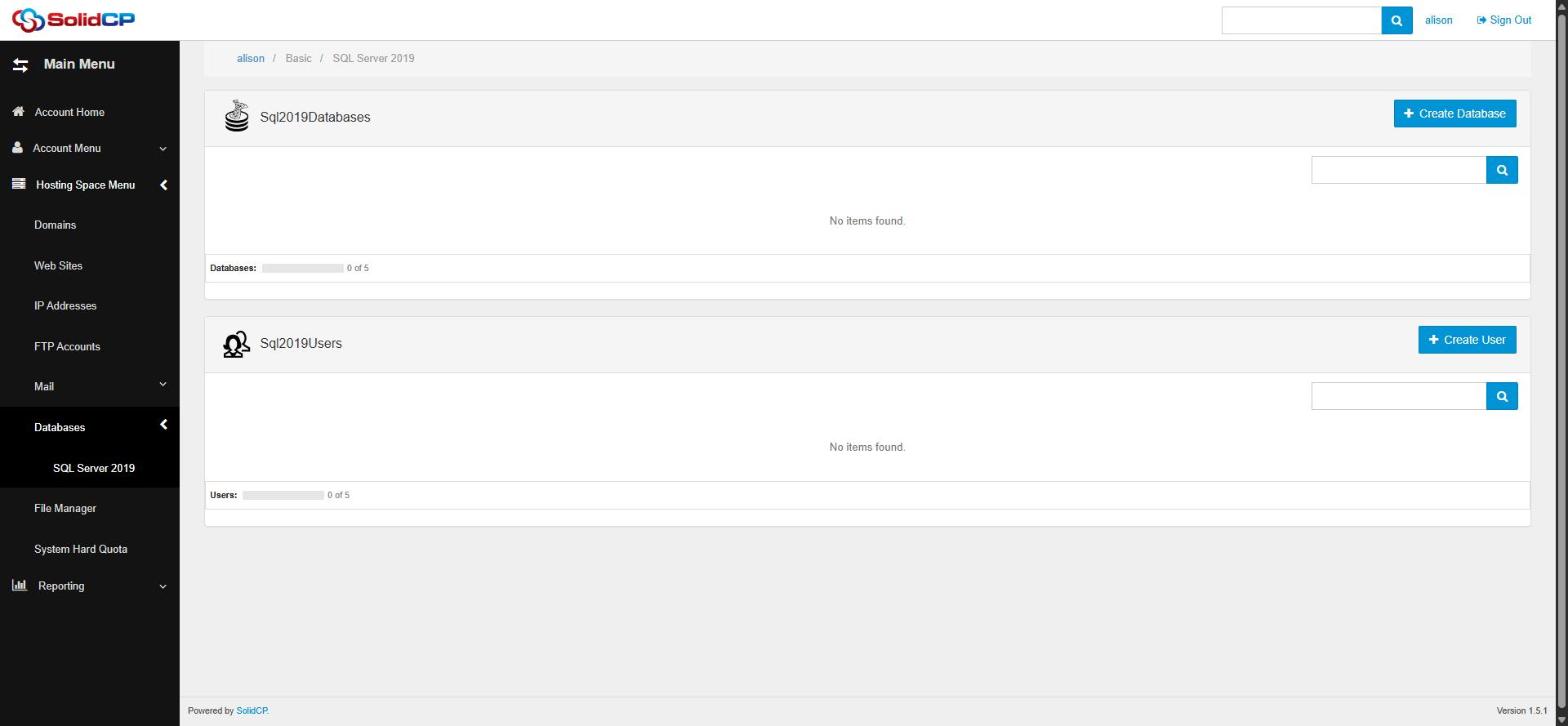
- Go to Databases > SQL Server 2019.
- In the Users section, click the username you want to update.
- Enter and confirm the new password — or click Generate Password for a strong random one.
- Click Save. The change is immediate.
Immediately after: update your website's connection string
Your site connects to the database with this user, so as soon as the password changes, update it in your application's configuration — typically web.config (ASP.NET) or appsettings.json (.NET Core):
...;User Id=YOURUSER;Password=NEW_PASSWORD;...
Until you do, visitors will see database connection errors. If your site is maintained by a developer, coordinate the two changes together — it takes under a minute when done back-to-back.
Frequently asked questions
Do I need the old password to set a new one?
No — SolidCP lets you set a new password without knowing the old one.
My site shows "Login failed for user..." after the change — what happened?
The connection string is still using the old password (or has a typo in the new one). Update the config file and the error clears immediately.
Related articles
How to add an MS SQL database in SolidCP • How to back up and restore an MS SQL database in SolidCP