
Applies to: Windows hosting customers
A sub-domain is a prefix on your existing domain — like shop.yourdomain.co.za or demo.yourdomain.co.za — that can run its own site or content, at no extra registration cost. Here's how to create one and give it something to serve.
Step 1: Create the sub-domain
- Log into SolidCP at https://panel.webtech.co.za (see How to log into SolidCP).
- Go to Domains — under System on the space home page, or in the left sidebar.
- Click Add Domain and choose the Sub-Domain option.
- Type the prefix and select the parent domain, so the result reads like
shop.yourdomain.co.za, then save.
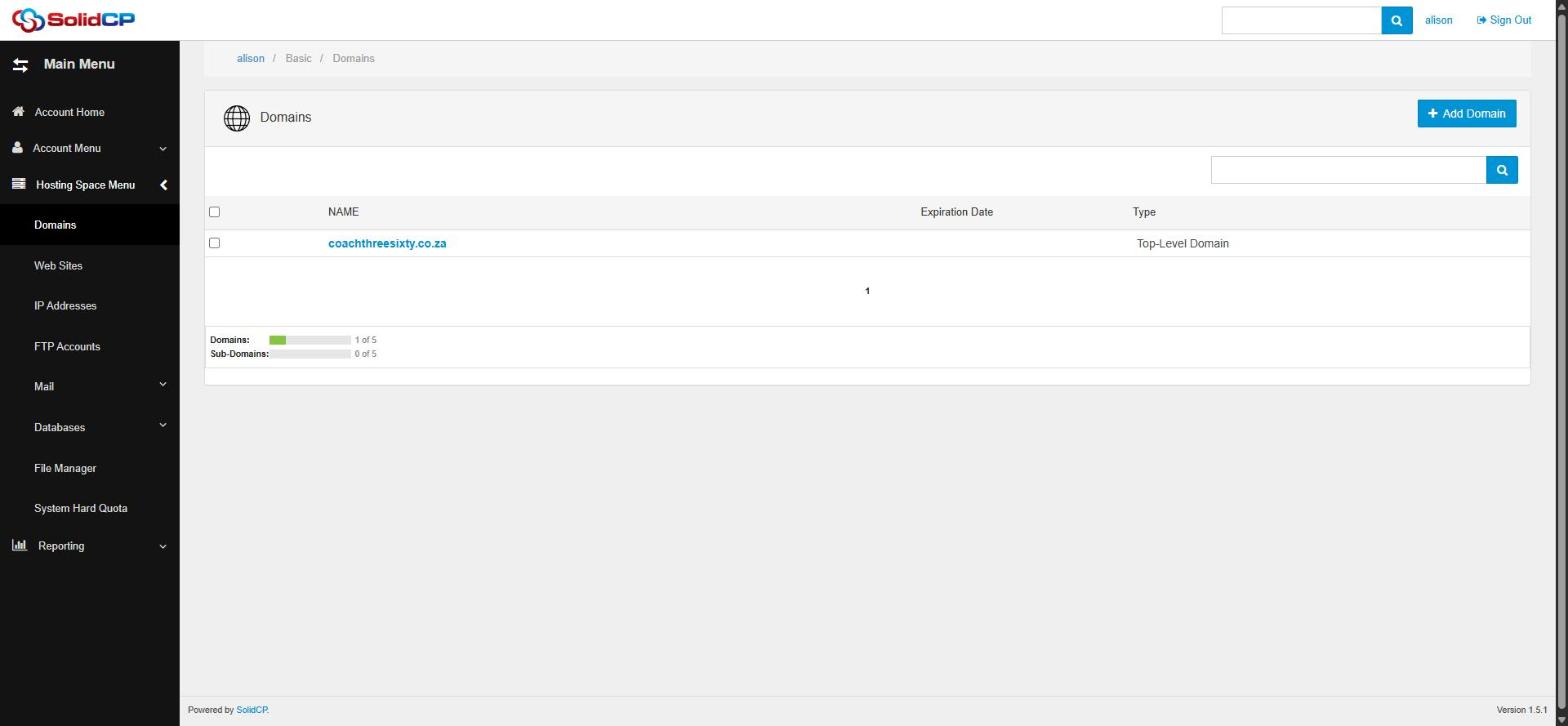
The quota bars at the bottom of the Domains page show how many domains and sub-domains your plan allows.
Step 2: Give it a website
A sub-domain on its own doesn't serve anything yet. Either:
- Create a separate site for it: go to Web Sites > Create Web Site and select the sub-domain. It gets its own folder (e.g.
\shop.yourdomain.co.za\wwwroot) — upload its files there; or - Point it at your existing site: open your existing site under Web Sites and use Add Web Site Pointer to make the sub-domain show the same content.
DNS and propagation
If your domain uses our default nameservers, the sub-domain's DNS record is created automatically. Allow up to 24 hours for DNS propagation, though it's usually visible much sooner. If your DNS is hosted elsewhere (e.g. Cloudflare), add an A record for the sub-domain pointing at your server's IP there.
Frequently asked questions
Do sub-domains cost anything?
No — they're included with your hosting, up to your plan's sub-domain quota.
Can a sub-domain have its own email addresses?
It's possible but rarely worth the complexity — most businesses keep email on the main domain.
Related articles
How to add a website in SolidCP • How to upload your website with FileZilla